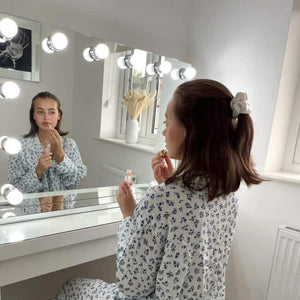
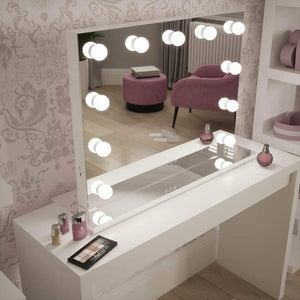
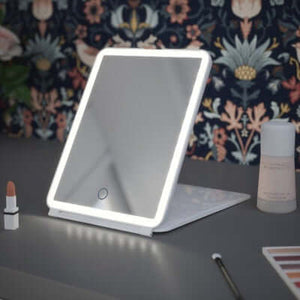
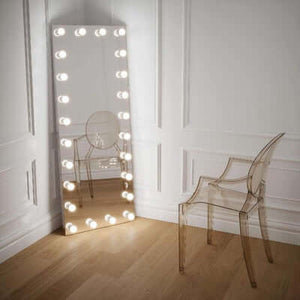
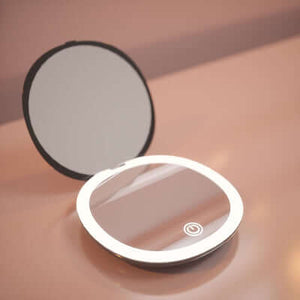
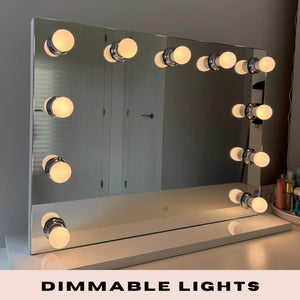
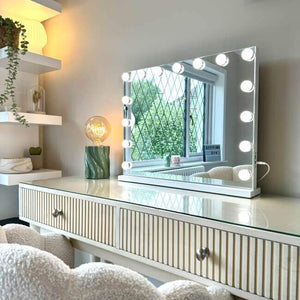
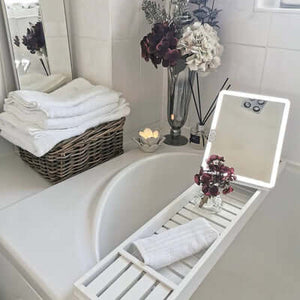
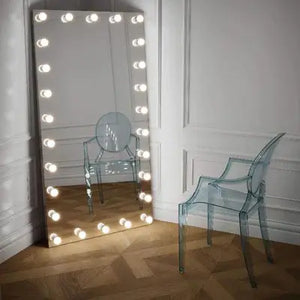
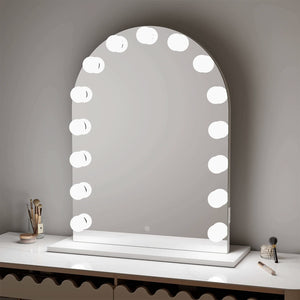
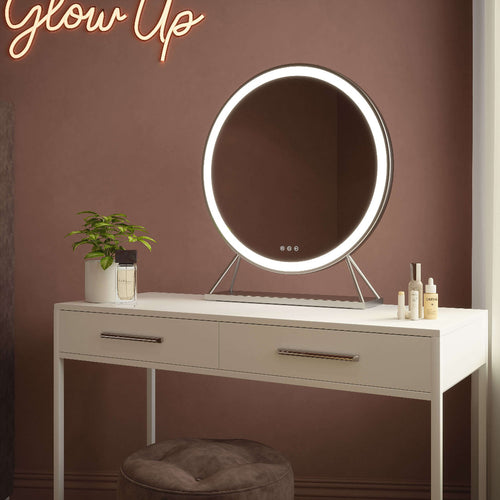
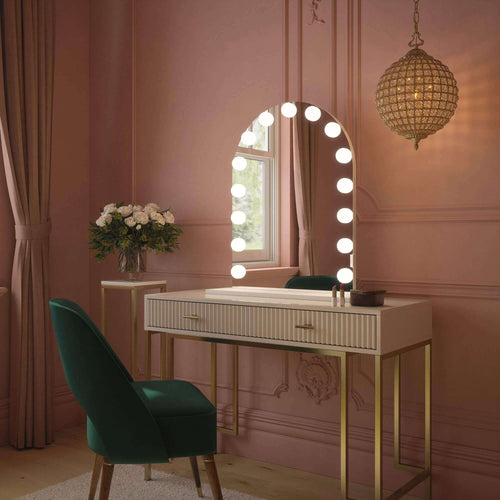
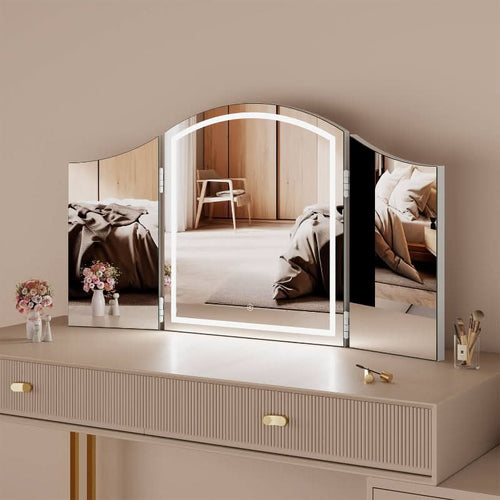
You did everything right. Good lighting from the mirror, the angle you always use, makeup that took twenty minutes to get just so. And the photo still needs something before it's ready to post. That gap between a genuinely good selfie and a genuinely post-worthy photo is where most beauty content actually gets made, and increasingly, that final step includes Higgsfield which lets it happen through an AI Image Editor rather than a manual filter or a slow trip through a traditional editing app.
Why Doesn't a Perfect Mirror Selfie Always Translate to a Perfect Photo?
A Hollywood mirror solves the hardest part of a good beauty photo: even, flattering light that lets you actually see your makeup while applying it. What it cannot solve is everything that happens after the shutter clicks. Skin still shows texture under close inspection that felt invisible in the mirror. A stray hair, a slightly uneven blend line, a shadow that looked fine in person but reads oddly in a photo, none of that is a makeup application problem, it is a photo editing problem, and it is a separate skill from applying makeup well in the first place.
What Actually Happens Between Taking a Selfie and Posting It?
For most people who post beauty content regularly, there is an invisible middle step between the mirror and the feed. A raw photo gets opened in some kind of editing app, adjusted for skin, sometimes retouched around blemishes or dark circles, occasionally recomposed if the background is distracting, and only then does it become the version that actually gets shared. This step is so normalized now that most viewers assume some editing happened, the real question is whether it was done well enough to still look like a real photo rather than an obviously altered one.
This middle step has also gotten more complicated as content demands have grown. A single mirror selfie session might now need to produce a main feed photo, a slightly different crop for a Story, and a version with softer editing for a more formal profile picture, all from the same handful of shots taken in front of the same mirror. Handling that variety used to mean opening several different apps or repeating the same manual adjustments multiple times over.
Why Has Beauty Photo Editing Become Its Own Skill Set?
The standard for beauty content has risen sharply, and the margin for a slightly-off edit has shrunk with it. Overprocessed skin, waxy texture, and identity-losing over-smoothing are common enough complaints about older beauty filters and retouching apps that audiences have become genuinely good at spotting a bad edit on sight. Getting retouching right now means removing distractions without removing the texture and character that makes a photo look like an actual person, which is a more delicate task than simply applying a blur or a "beauty mode" toggle.
What Are the Manual or Filter-Based Options Most People Try First?
Most people start with whatever built-in filter their phone or a social app offers, one-tap smoothing, brightness boosts, automatic blemish softening. These work for a casual, low-stakes post but tend to apply the same treatment to every photo regardless of what it actually needs, which is exactly how the plastic, over-smoothed look happens. People who post more seriously often graduate to a dedicated mobile retouching app, or eventually a proper desktop editor, trading speed for more control.
Where Do Filters and Manual Editing Apps Fall Short?
The core problem with one-tap filters is that they are blunt instruments, applied uniformly whether a photo needs heavy correction or barely any at all. The core problem with proper manual editing is time and skill, learning to selectively retouch skin, correct lighting, and remove a distracting background element well takes real practice, and most people posting beauty content are doing it alongside a full routine, a job, and everything else in their day, not training as a photo editor on the side.
|
One-tap filters
|
Manual desktop editing
|
AI Image Editor
|
|
Speed
|
Instant
|
Slow, requires real skill
|
Seconds per edit
|
|
Risk of overprocessing
|
High, uniform treatment
|
Low, but depends on skill
|
Low, with natural-looking results
|
|
Skill required
|
None
|
Significant learning curve
|
No editing experience needed
|
|
Control over specific edits
|
Minimal
|
Full, but time consuming
|
High, from a simple prompt
|
|
Background/object removal
|
Not supported
|
Possible but technical
|
Built into the same tool
|
How Does an AI Image Editor Handle Beauty Photo Editing Differently?
Higgsfield's AI Image Editor is built around fixing exactly the gap that one-tap filters and manual editing both leave open. Rather than applying one uniform treatment, it fills, removes, replaces, enhances, and restores parts of an image from a simple prompt, which means a specific blemish, a stray hair, or an unwanted background element can be addressed individually instead of the whole photo being smoothed the same way. The platform brings together more than 15 leading image models, including Nano Banana Pro, Seedream, FLUX, and GPT Image,
in one subscription, so the same photo can be run through whichever model handles a particular edit most naturally.
How Do You Keep Skin Retouching Looking Natural Instead of Overdone?
This is the part worth being careful about, since overprocessed skin is the single most common complaint about beauty photo editing generally. A dedicated Skin Enhancer feature is built specifically to smooth and even out skin tone while preserving natural texture, rather than flattening everything into the waxy, identity-losing look that gives AI editing a bad reputation in beauty circles. The goal with good retouching is subtlety, removing a temporary blemish or evening out redness while keeping enough natural texture that the photo still looks like an actual, specific person rather than a generic, over-smoothed version of anyone.
Native output at up to 4K resolution matters here too, since heavier compression tends to be exactly where retouching artifacts become visible, blotchy skin, muddy edges around a removed object. Higher resolution output gives more room for a retouch to hold up under a closer look, which matters more for beauty content specifically than for almost any other kind of photo, since viewers tend to zoom in on faces in a way they rarely do with landscapes or product shots.
What Else Can an AI Image Editor Do Beyond Skin and Blemishes?
Beauty content involves more than face retouching alone. Relight can adjust the lighting in a photo after the fact, useful when a mirror selfie was taken in good light but the background or angle still needs a touch of correction. Background removal and replacement matter for anyone posting from a bedroom or bathroom setup who wants a cleaner, more polished backdrop without restaging the shot. An AI Headshot Generator style feature handles the more formal end of beauty content, professional-looking portraits for a personal brand or a business profile, generated from an existing photo rather than requiring a studio session.
Higgsfield also brings brush-to-edit precision into the same workspace, letting a specific area of a photo, a particular blemish, a stray hair, an unwanted object in the background, be selected directly rather than applying a global adjustment across the whole image. That distinction matters enormously for beauty photos specifically, since the difference between a natural edit
and an obviously altered one usually comes down to exactly this kind of targeted precision rather than a broad, one-size-fits-all filter pass.
This is worth stating plainly, since Higgsfield is sometimes assumed to be a single-purpose photo tool. Higgsfield AI is a native AI creative suite, which offers advanced AI image, video, and voice generation, editing, and upscaling tools, meaning the same workspace used to retouch a mirror selfie can also handle video content, useful for anyone who eventually wants to turn beauty photos into GRWM clips or short tutorial content without switching platforms entirely.
Does This Replace Good Lighting and a Proper Mirror Setup?
No, and this is worth being direct about, since it is the most common misconception around AI photo editing generally. Editing software cannot fix what genuinely poor lighting or a bad angle ruins at the source, good, even lighting from a proper mirror setup remains thefoundation that makes a mirror selfie worth taking in the first place. What an AI Image Editor does is handle everything that still needs adjusting after a genuinely good photo has already been taken, refining rather than rescuing. A photo taken in flat, harsh lighting will always need far more correction, and usually look worse regardless of how it's edited afterward, than one taken with the kind of consistent, flattering light a well-lit mirror already provides.
Think of it as a division of labour rather than a substitution. The mirror and the lighting setup do the work of giving the camera something good to capture in the first place. The editing step, whether that's a quick pass through Higgsfield or a more traditional app, refines what the camera actually captured, correcting the small imperfections that even a great setup cannot fully control, a slightly harsh shadow from an overhead light, a skin tone that reads warmer in a photo than it looked in person, a background detail that only becomes distracting once it's flattened into a two-dimensional image.
What Should You Look for in an AI Image Editor for Beauty Content?
A few things matter more for beauty and selfie editing specifically than for general photo editing. Natural-looking skin retouching matters more than aggressive smoothing, since overprocessed results are increasingly easy for viewers to spot and increasingly unpopular as a look. Resolution matters because close-up face photos reveal editing artifacts faster than almost any other photo type. And speed matters because most people editing a selfie want to post it within minutes, not sit down for a proper editing session, which makes a prompt-based, no-skill-required workflow genuinely more useful here than in most other photography contexts.
What Are the Key Takeaways for Getting From Selfie to Polished Content?
-
A well-lit mirror selfie is the starting point, not the finished product, most posted beauty photos go through some editing step before they're shared.
-
One-tap filters apply the same treatment to every photo, which is exactly how the overprocessed, waxy look happens.
-
An AI Image Editor allows targeted, natural-looking edits, skin, lighting, background, without the time or skill a manual editor demands.
-
Good lighting and setup still matter more than any edit, since editing refines a good photo, it does not rescue a genuinely poor one.
What Are Some Frequently Asked Questions About AI Beauty Photo Editing?
Will AI photo editing make my selfies look fake or overprocessed?
Not if the tool is built for natural results. Features specifically designed to preserve skin texture while smoothing, rather than flattening everything uniformly, are what separates a natural-looking edit from the obviously overprocessed look many older beauty filters are known for.
Do I need photo editing experience to use an AI Image Editor?
No. Tools built around prompt-based editing let someone with no editing background remove a blemish, adjust lighting, or clean up a background by describing what they want changed rather than manually selecting and adjusting each element.
Can AI editing fix a selfie taken in bad lighting?
To a degree, but there are real limits. Editing can improve and adjust lighting after the fact, but a photo taken in genuinely poor, flat, or harsh light will still show more visible correction than one taken in good light to begin with, which is exactly why a proper mirror setup still matters.
Is AI photo editing only useful for social media, or does it help with other beauty content too?
It extends well beyond casual selfies, professional-style headshots, product-style beauty photos, and even the static images used as a starting point for short-form video content can all be produced through the same kind of workspace. A beauty creator building a personal brand across several formats often benefits more from a single tool covering all of these use cases than from separate apps for each one, since staying consistent in tone and quality across a feed, a Story, and a profile photo is easier when everything comes from the same editing workflow.
Liquid error (sections/article-template line 192): Invalid form type "95\n", must be one of ["product", "storefront_password", "contact", "customer_login", "create_customer", "recover_customer_password", "reset_customer_password", "guest_login", "currency", "activate_customer_password", "customer_address", "new_comment", "customer", "localization", "cart"]

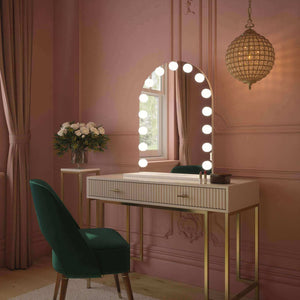

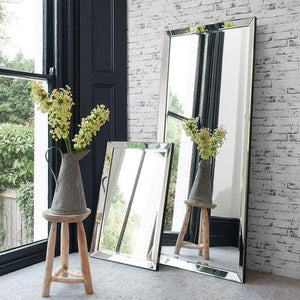

 Alicia Hollywood Mirror 60cmx80cm
 Angelina Full Length Arch Hollywood Mirror 160 x 60cm
 Angled Luna Mirror-Cheval Silver
 Anne Round Hollywood Mirror Gold 60x67CM