In today’s digital world, beauty content has taken over social media. Whether you love sharing makeup looks, hair tutorials, room décor inspiration, or full dressing-room transformations, high-quality video editing has become essential. What was once only available to professional creators is now accessible to everyone, thanks to easy tools like clideo.com and the mobile-friendlyClideo in AppStore. These platforms allow beauty influencers, stylists, décor lovers, and beginners to turn ordinary videos into polished, share-worthy content.
This article explores how video editing software enhances beauty and lifestyle videos while blending the topics ofbeauty, makeup, hair, bedroom décor, dressing rooms, andmirrors—transforming everyday creativity into professional-quality content.
Video Editing and the World of Beauty
Beauty videos are one of the most popular categories on platforms like TikTok, YouTube, and Instagram. However, raw footage alone doesn’t capture the true essence of colors, textures, and transformations. This is where video editing tools become powerful.
Using platforms likeclideo.com, creators can cut unwanted sections, adjust lighting, combine multiple clips, or add smooth transitions. These features are especially important for beauty videos, where every second matters. A well-edited beauty video enhances skin tones, highlights facial details, and presents your transformation in a way that feels seamless and professional.
Even simple actions—like speeding up a skincare routine or adding soft background music—can dramatically improve the viewing experience. Good editing makes beauty content more engaging, visually appealing, and easier for the audience to follow.
Makeup Tutorials: Precision Matters
Makeup videos rely heavily on clarity and detail. Audiences want to see the exact motion of the brush, the blend of colors, the texture of the product, and the final look in proper lighting. High-quality editing ensures viewers can focus on the essential steps without distractions.
ThroughClideo in AppStore, creators can:
-
Trim clips to remove filler time
-
Add close-up zooms to highlight eye makeup or contouring
-
Use filters that enhance color accuracy
-
Insert text explaining product names or application steps
The ability to merge small clips into smooth transitions allows makeup artists to create complete tutorials—from bare face to full glam—in one beautifully edited video. Good editing also helps maintain pacing, so the tutorial remains interesting and easy to follow.
Hair Content: Showing Transformation Clearly
Hair content thrives on before-and-after visuals. Whether you are showcasing a new hairstyle, a dye transformation, or a heatless curling method, video editing brings the entire process to life.
Usingclideo.com, hair creators can:
-
Combine multiple stages of the process
-
Add time-lapse effects for long styling routines
-
Enhance lighting to show true hair color
-
Use split-screen to compare before and after
These features are invaluable for hairstylists, salon owners, and beauty influencers. With the help of Clideo editing tools, the shine, texture, and volume of the final look appear clearer and more attractive on screen.
Bedroom Décor Videos: Capturing Aesthetic Spaces
Bedroom décor content has become a top trend across social platforms. People love watching room makeovers, cozy bedroom tours, DIY décor ideas, and aesthetic styling
videos. However, a beautiful room doesn’t automatically look good on camera unless the video is well edited.
With tools likeClideo in AppStore, creators can:
-
Adjust brightness to highlight lighting setups
-
Enhance colors to make décor pieces stand out
-
Add soft background music for a cozy atmosphere
-
Create smooth transition clips for “before-and-after” décor reveals
Editing is what makes a simple bedroom feel like a Pinterest-worthy space. Whether showing new bedding, LED lights, wall art, or minimalistic décor, proper editing helps viewers feel inspired and connected to the visuals.
Dressing Rooms: The Perfect Setting for Stylish Videos
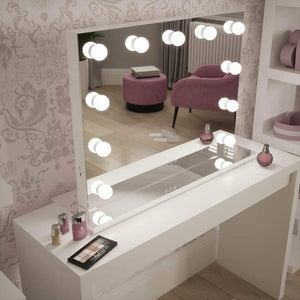
Dressing rooms are becoming one of the most filmed spaces in lifestyle content. From "Get Ready With Me" (GRWM) videos to outfit styling reels, creators want their dressing rooms to appear organized, luxurious, and aesthetically pleasing.
Video editing tools allow you to:
-
Highlight clothing details
-
Create slow-motion outfit transitions
-
Add music that matches the theme
-
Crop or trim clips to keep only polished footage
Using clideo.com, fashion influencers can also combine multiple outfit clips into
single trending reel—perfect for sharing style inspiration with followers.
Mirrors: Essential for Beauty & Style Filming
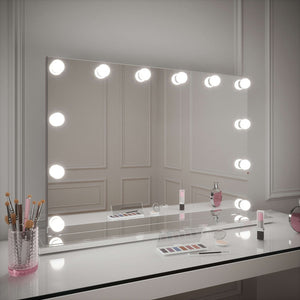
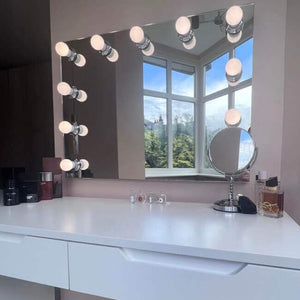
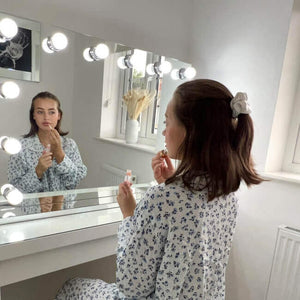
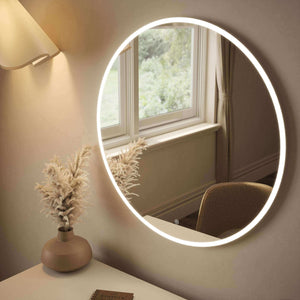
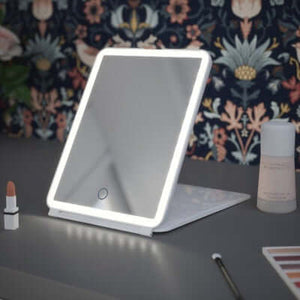
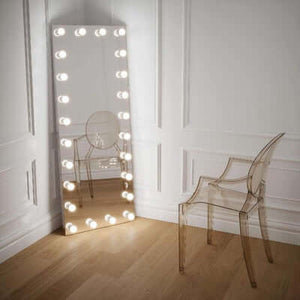
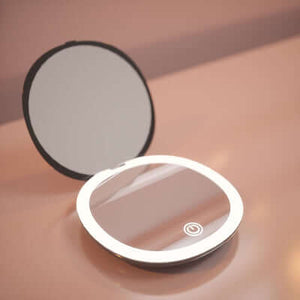
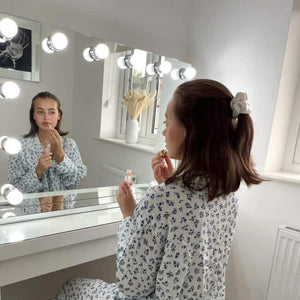
Mirrors are not just décor pieces; they are key filming tools for beauty and fashion creators. Mirror selfies, outfit checks, hair tutorials, and makeup transformations all rely on good reflection angles.
However, raw mirror footage can sometimes look dull due to lighting or background clutter. With the help ofClideo in AppStore, creators can:
-
Brighten footage to reduce shadows
-
Add filters for aesthetic reflection effects
-
Crop unwanted background areas
-
Stabilize shaky mirror shots
Editing ensures that mirror-based videos look clean, stylish, and visually appealing—perfect for creators who frequently film in small spaces.
Conclusion
Video editing software has become the backbone of modern beauty and lifestyle content. Whether you’re capturing makeup looks, hair transformations, room décor,
dressing rooms, or mirror-based videos, editing tools add polish, clarity, and professionalism to your creations.
With easy-to-use platforms likeclideo.com and the mobile solution Clideo in AppStore, anyone can transform simple clips into beautifully crafted videos that stand out online. As beauty and home aesthetics continue to dominate digital platforms, high-quality editing will always remain an essential part of storytelling and personal branding
Liquid error (sections/article-template line 192): Invalid form type "65\n", must be one of ["product", "storefront_password", "contact", "customer_login", "create_customer", "recover_customer_password", "reset_customer_password", "guest_login", "currency", "activate_customer_password", "customer_address", "new_comment", "customer", "localization", "cart"]

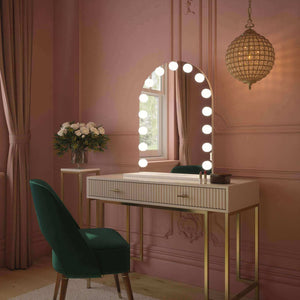
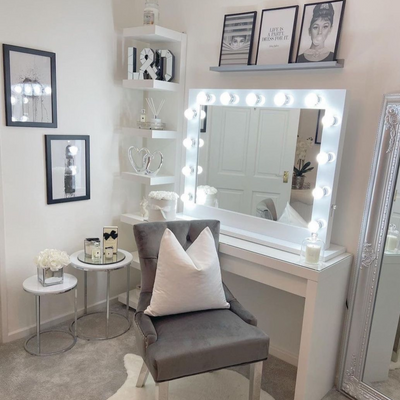
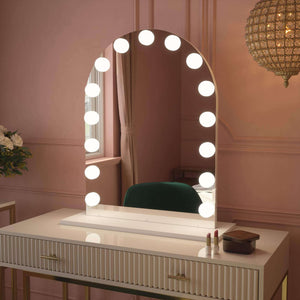
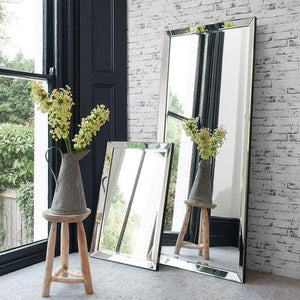

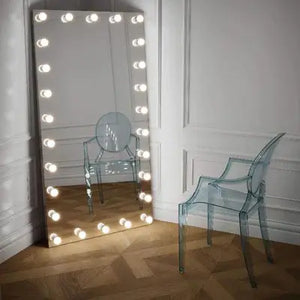
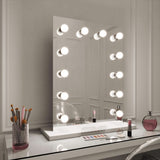 Alicia Hollywood Mirror 60cmx80cm
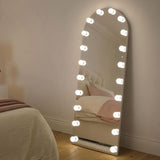 Angelina Full Length Arch Hollywood Mirror 160 x 60cm
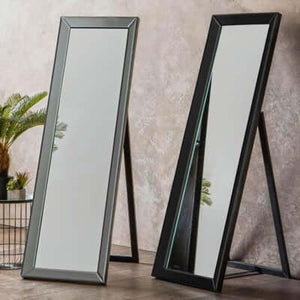
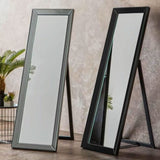 Angled Luna Mirror-Cheval Black
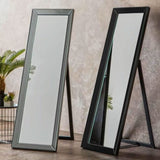 Angled Luna Mirror-Cheval Gray